UniFi
UniFi
Industrial, Enterprise and Professional grade WiFi
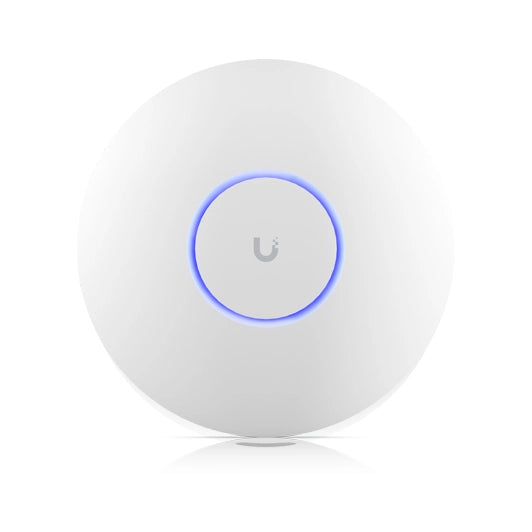
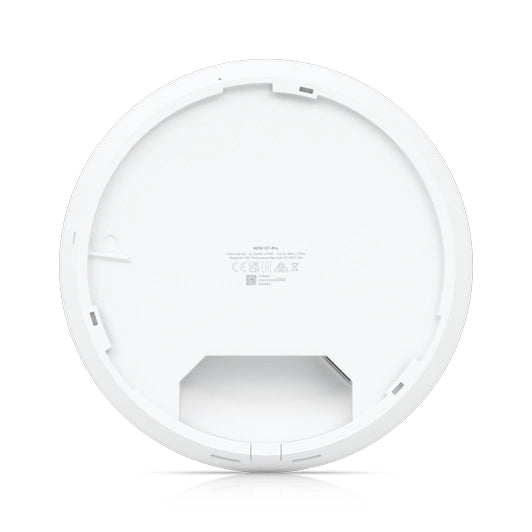
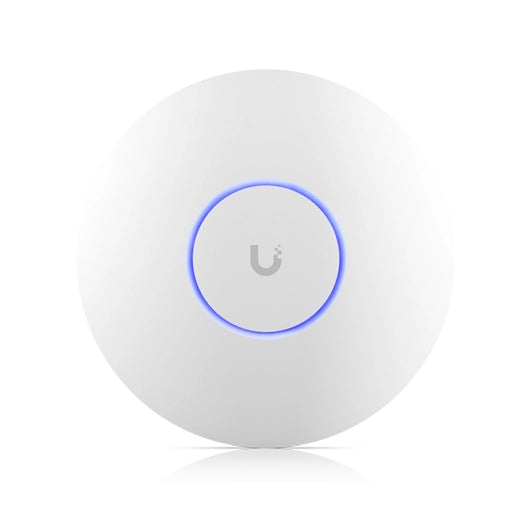
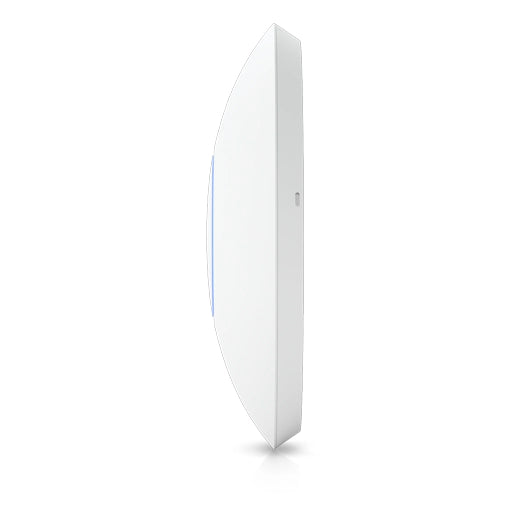
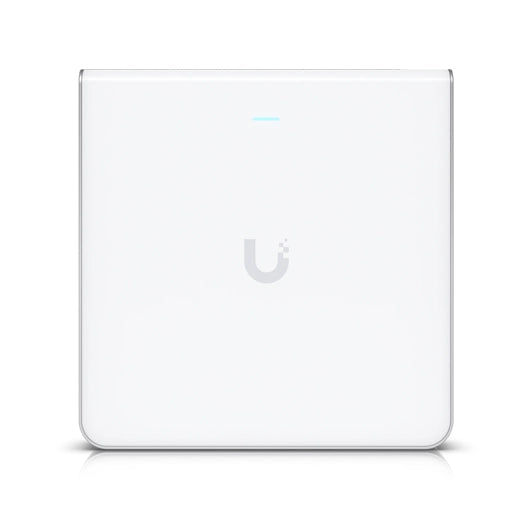
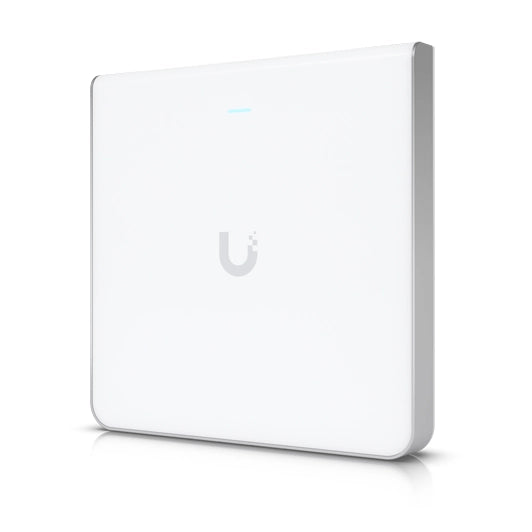
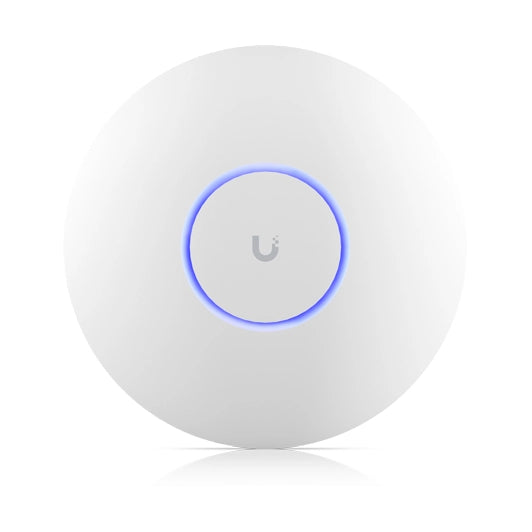
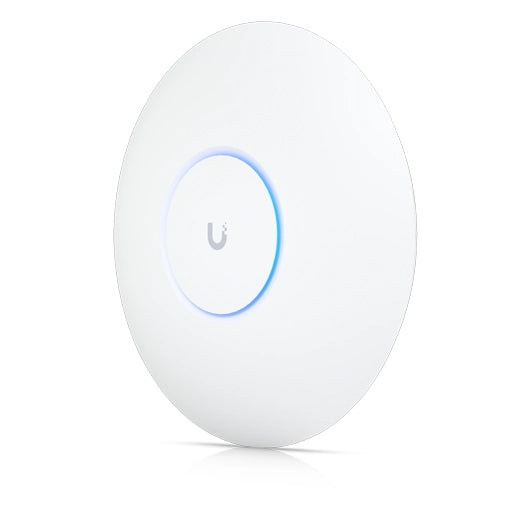
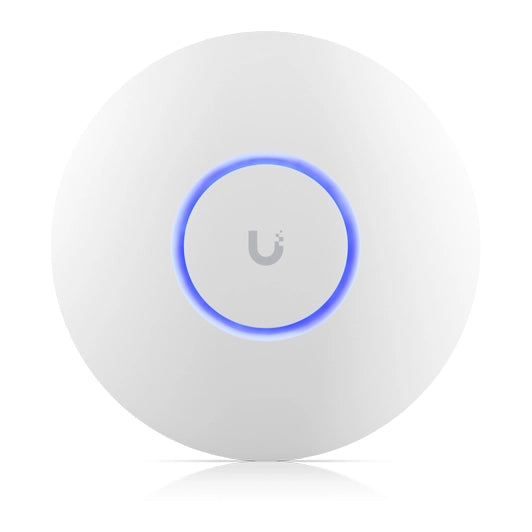
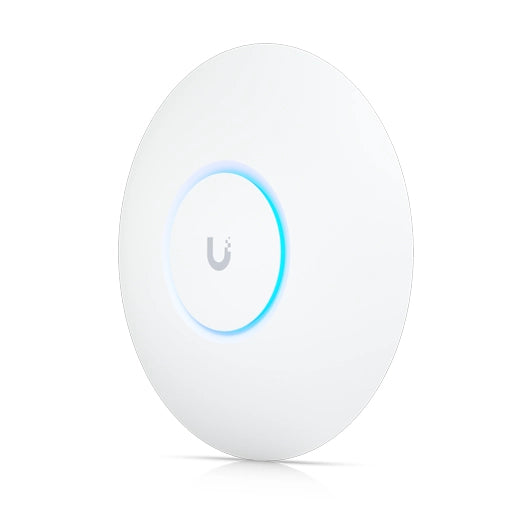
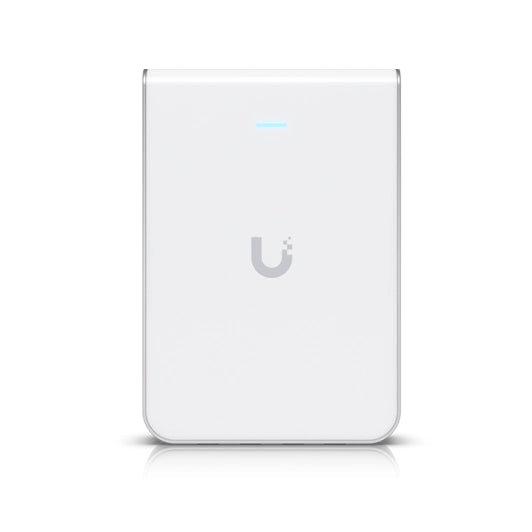
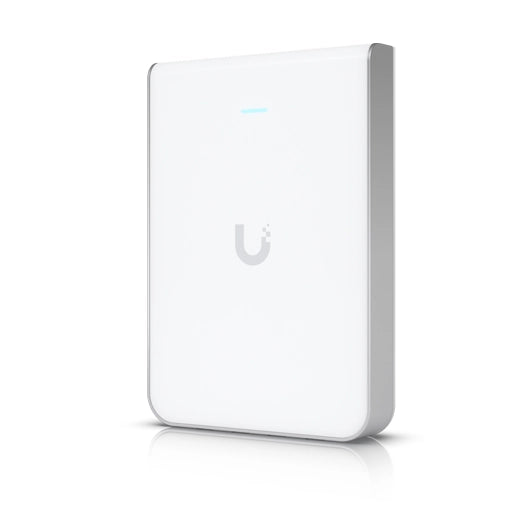
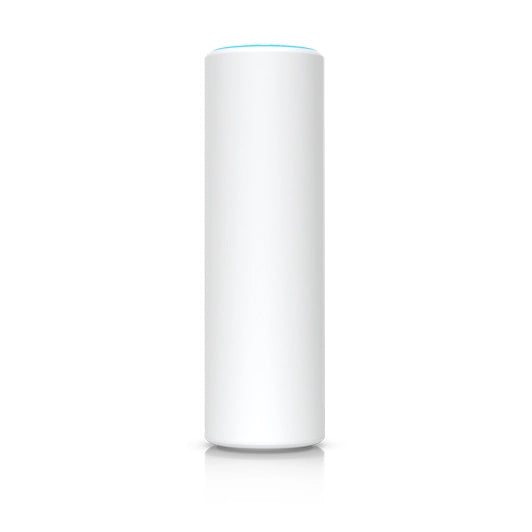
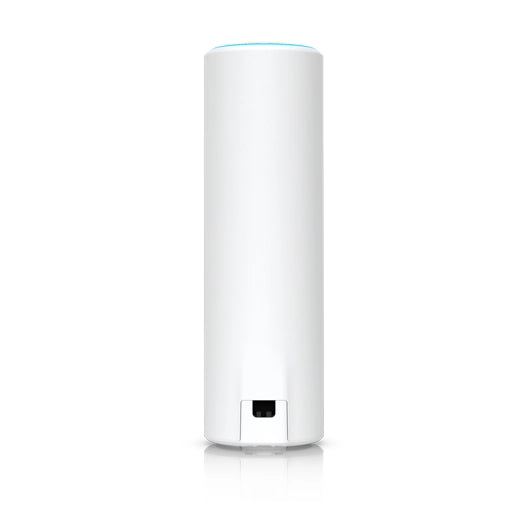
A UniFi access point is the device that broadcasts the WiFi network and is managed from the UniFi console together with the rest of your network. Q-Tech brings together Ubiquiti WiFi 7 and WiFi 6 models for homes, offices, hotels, outdoor areas and warehouses.
| Range | Models | WiFi | Mounting |
|---|---|---|---|
| Enterprise E7 | E7 Audience, E7 Campus and E7 | WiFi 7, 10 to 12 streams, 10 GbE uplink | Indoor; E7 Campus also outdoor |
| U7 ceiling | U7 Pro XGS, U7 Pro Max, U7 Pro XG, U7 Pro, U7 Long-Range and U7 Lite | WiFi 7, 4 to 8 streams; 6 GHz on Pro, Pro Max, XG and XGS | Ceiling |
| U7 wall | U7 Pro Wall and U7 In-Wall | WiFi 7; the In-Wall with a built-in 2.5 GbE PoE switch | Wall |
| U7 outdoor | U7 Pro Outdoor and U7 Outdoor | WiFi 7, IP67, directional antenna | Outdoor |
| Industrial | U7 Industrial | WiFi 7 on 2.4 and 5 GHz, 2.5 GbE uplink; directional antenna and antenna accessories included | Outdoor, IP67, −40 to 70 °C; wall or pole |
| Wireless bridge | Device Bridge Switch | WiFi 7 link on 5 and 6 GHz with MLO; PoE+ switch with 1 × 10 GbE and 7 × 2.5 GbE | Desktop or wall |
| WiFi 6 and 6E | U6 Enterprise, U6 Enterprise In-Wall, U6 Pro, U6 Plus, U6 In-Wall and U6 Mesh | WiFi 6; WiFi 6E with 6 GHz on the Enterprise models | Ceiling, wall and indoor or outdoor (Mesh) |
Data from Ubiquiti (official eu.store.ui.com store and techspecs.ui.com, October 2026).
Do I need a console for UniFi access points?
Yes. They are adopted and managed from a UniFi console, such as a Cloud Gateway or a Dream Machine.
WiFi 7 or WiFi 6?
WiFi 7 adds more speed and the 6 GHz band with compatible devices; WiFi 6 is still a valid choice for networks with older devices.
How are they powered?
Over PoE from a UniFi switch or an injector; each product page states the PoE level required.
What is the delivery time?
UniFi equipment is supplied made to order: we will confirm the lead time before preparing your order.
Browse the ranges or message us on WhatsApp and we will help you plan the WiFi coverage of your space.
271026 v5.2