Nest Learning Thermostat Holder
You may also be interested
You will soon find replacement parts for this product here.
You will soon find replacement parts for this product here.
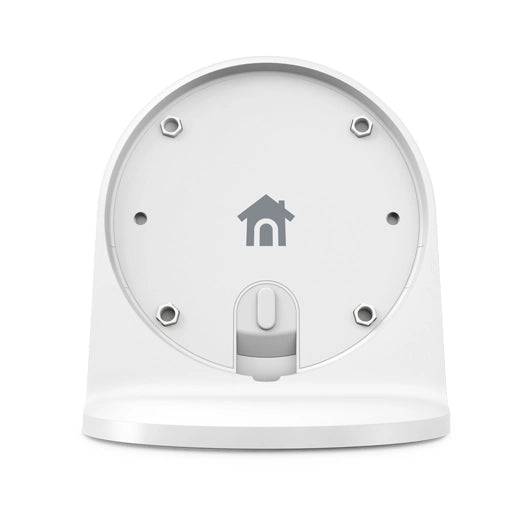
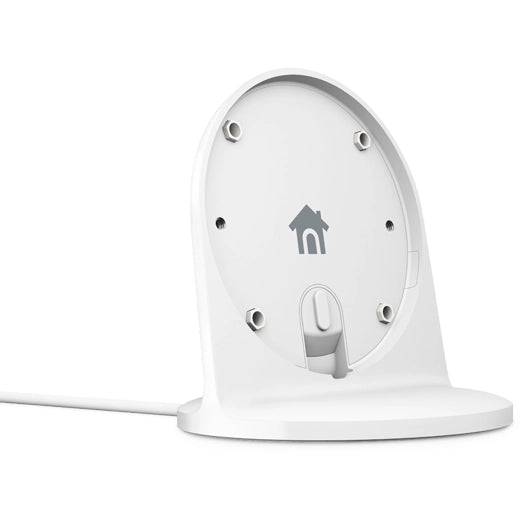
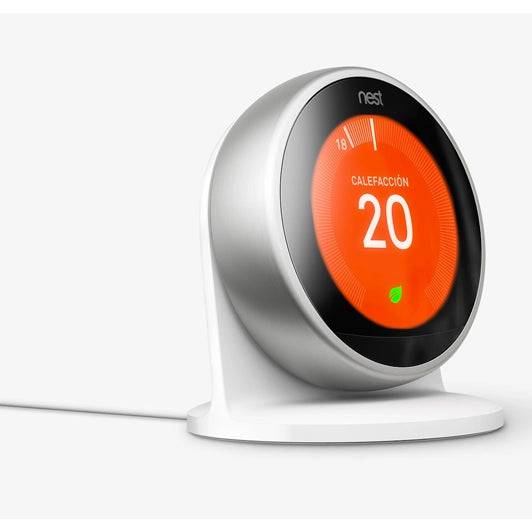
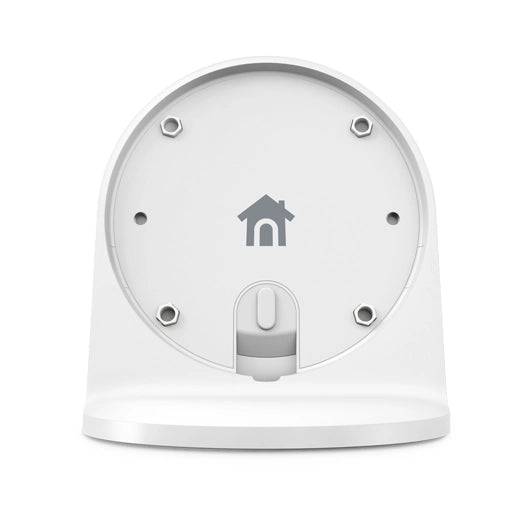
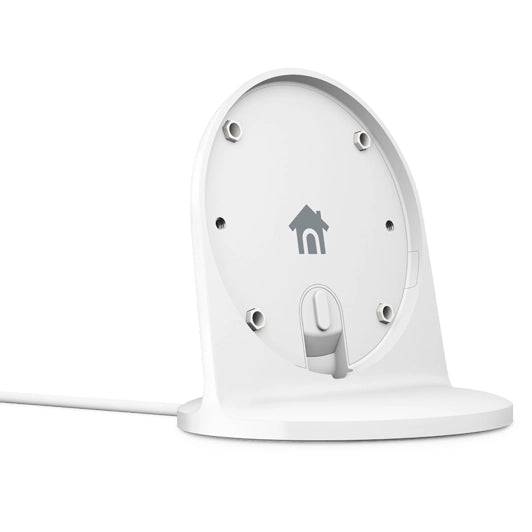
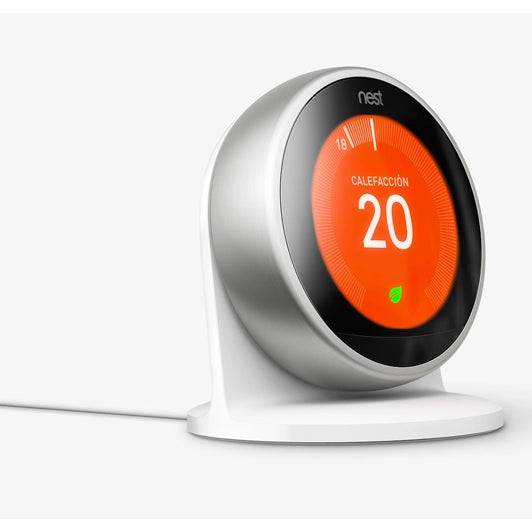
The Nest stand is an optional accessory for the thermostat, sold separately. It allows you to place the Nest thermostat on a shelf, table, or desk, though it will still need to be positioned where it can wirelessly connect to the Heat Link.
The Nest thermostat is designed to stay in one place, so you should carefully consider where you want to put it. It must be located where it can wirelessly communicate with the Heat Link (up to 30 meters away). The construction and layout of your home will affect the communication range.
- The Nest stand should be placed near a power outlet, as it needs to be plugged in.
- Place the thermostat in a room you use frequently. For features like Home/Away Assistant to work properly, make sure it has a good view of the room.
- Nest thermostat features, such as Far View, work best when the Nest stand is placed approximately 1 meter off the ground.
The thermostat measures the temperature in your home to decide when to turn on the heating. Do not place the thermostat in hot or cold areas, such as near fireplaces or drafty windows, to avoid overheating or underheating the house.
- Ensure the Wi-Fi signal reaches the location where you place the thermostat. Do not install it near other electronic devices or appliances that could interfere with the connection.
- After choosing the location for the Nest stand, install the thermostat. Make sure you choose a good spot. To do this, check that the Wi-Fi and Heat Link connections are working properly.